QorusDocs acquires Shark Finesse
Learn moreBook your demo
Please complete the form below and we will contact you to arrange a convenient time to show you how our software can help you.

Oops! Something went wrong while submitting the form.
Please complete the form below and we will contact you to arrange a convenient time to show you how our software can help you.
For a business case to be successful, it's important to include as much background information and customer details as possible. In ValueHub we have split this section of the business case into 4 key sections to encourage and remind a user to have these conversation with their customer:
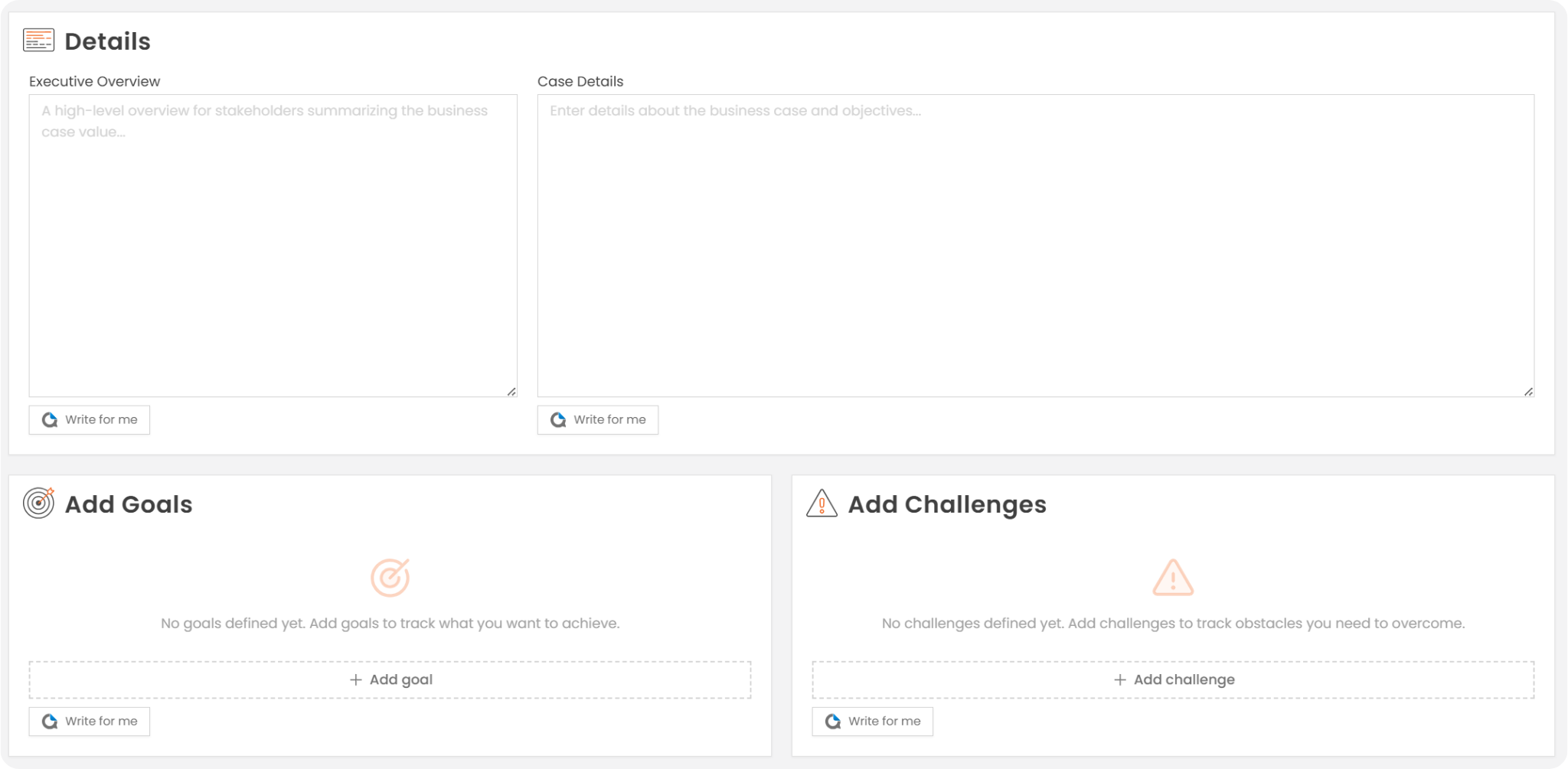
Users can input their own content or they can use QPilot to help generate or improve each of these sections.
There are a couple of options available, if a user has already written some text, they can ask QPilot to improve with AI:
.png)
When enough details of the business case have been completed, the option to Generate with AI will be available:

The final QPilot option is selecting write for me from the QPilot dropdown icon:
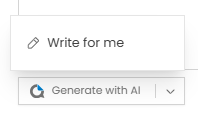
Selecting this opens the QPilot writer panel on the left side of the screen, where they can enter a prompt and choose options for text length and tone:
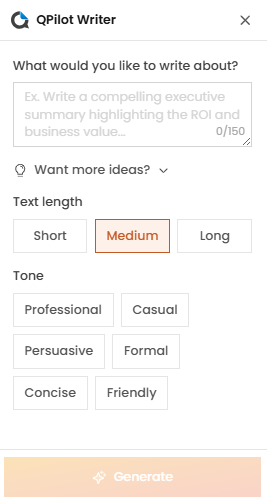
N.B. its best practice to write the Executive Overview once the rest of the case is complete as this summarises the business case at a high-level.
Once the details for goals and challenges have been completed, either manually or via QPilot, they will appear in ValueHub:
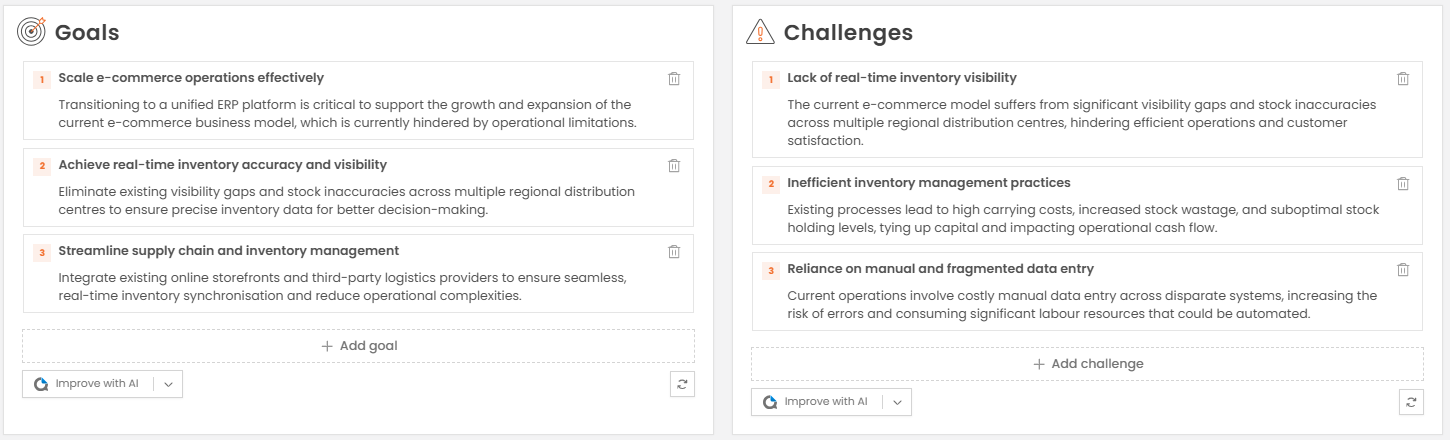
You can edit any of the details by selecting the main title or the text underneath:

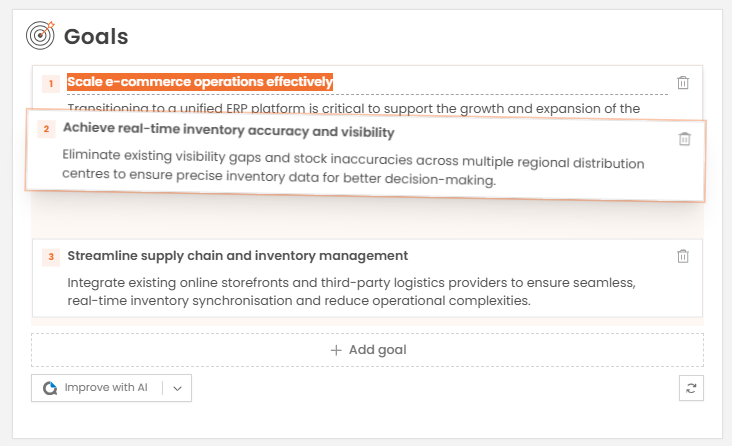
You can drag and drop to re-order:
And you can delete by selecting the trash can icon at the end of the button:


We need to confirm your email address.
To complete the subscription process, please click the link in the email we just sent you.


