QorusDocs acquires Shark Finesse
Learn moreBook your demo
Please complete the form below and we will contact you to arrange a convenient time to show you how our software can help you.

Oops! Something went wrong while submitting the form.
Please complete the form below and we will contact you to arrange a convenient time to show you how our software can help you.
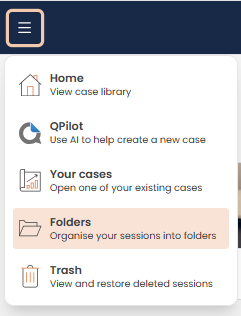
You can organise your business case session in Engage into Folders. Click on the main menu drop down in the top left corner and select Folders:
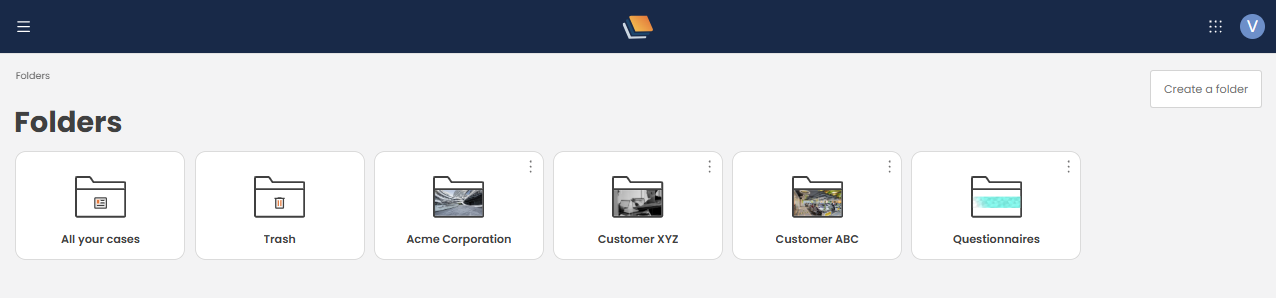
To create a new folder, click Create a folder in the top right side of ValueHub:
The following window will open that allows you to name your folder:
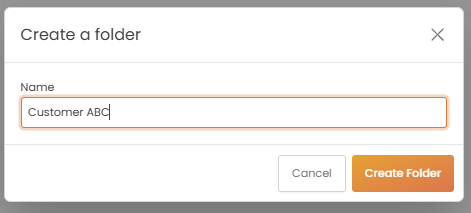
Once you select Create Folder you will be able to customise that Folder with an image as well as sub-folders:
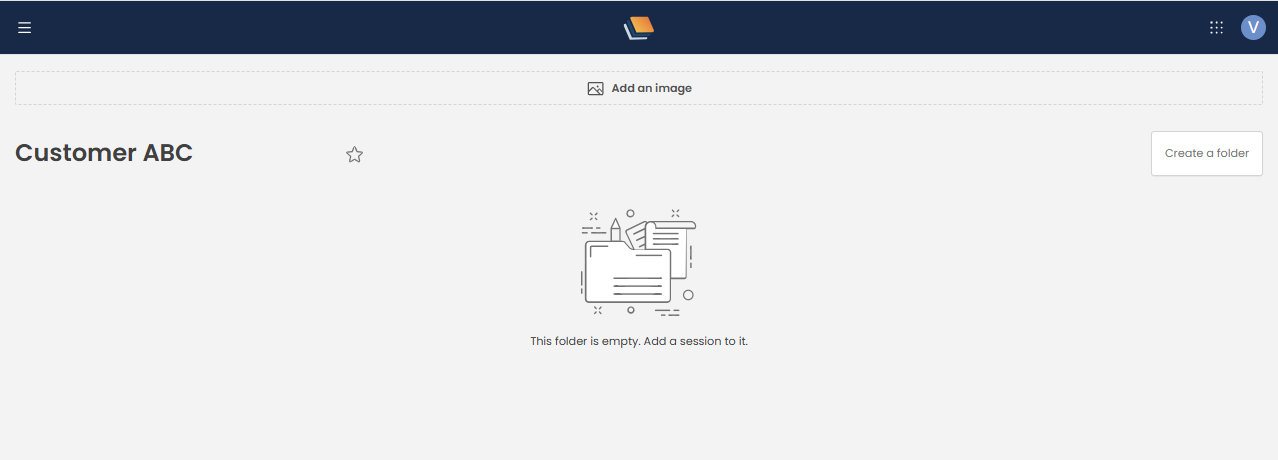
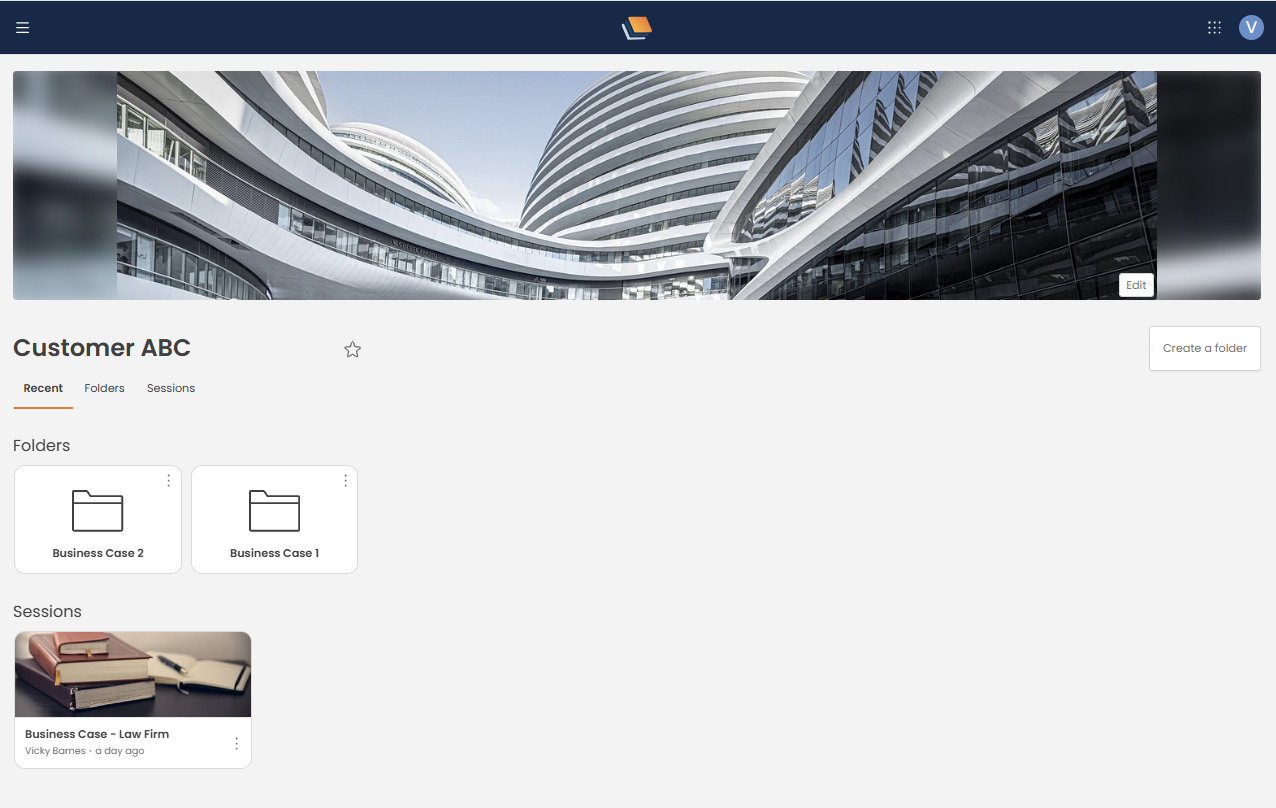
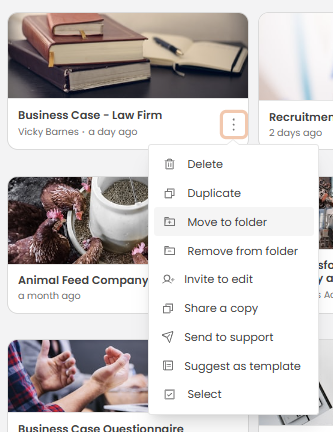
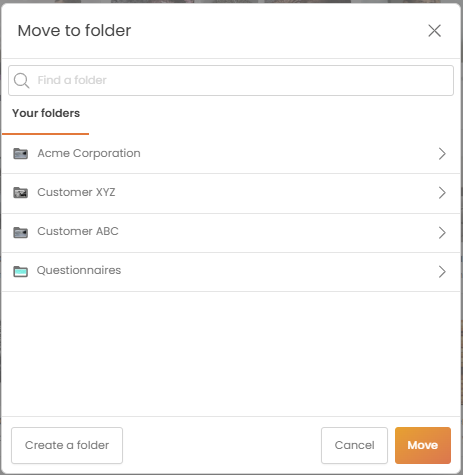
You can add a session to a Folder by clicking on the three dots icon within a business case session card that appears in your Case Library, a drop down will appear, select move to Folder, you will then be able to choose the folder you want the session to be in:


We need to confirm your email address.
To complete the subscription process, please click the link in the email we just sent you.


