QorusDocs acquires Shark Finesse
Learn moreBook your demo
Please complete the form below and we will contact you to arrange a convenient time to show you how our software can help you.

Oops! Something went wrong while submitting the form.
Please complete the form below and we will contact you to arrange a convenient time to show you how our software can help you.
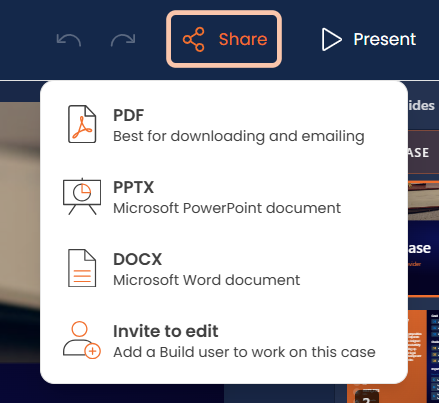
Once your case is ready to share, there are a couple of options available to you:
To access these you will need to click on Share which appears in the top right corner of Engage:
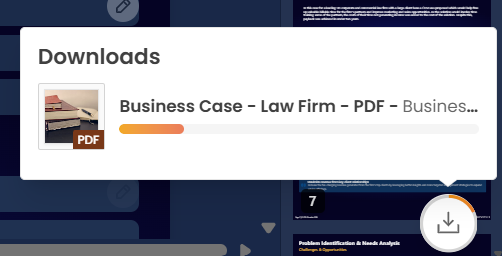
For the PDF, PPTX and DOCX downloads, a small icon will appear in the bottom right corner showing you the download progress:
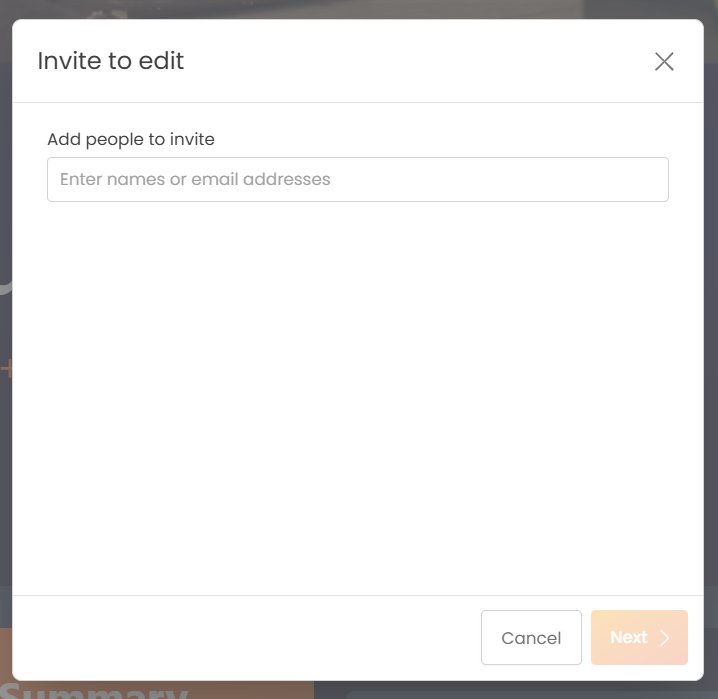
To share with a Build user, select Invite to edit, the below window will appear with instructions to follow:
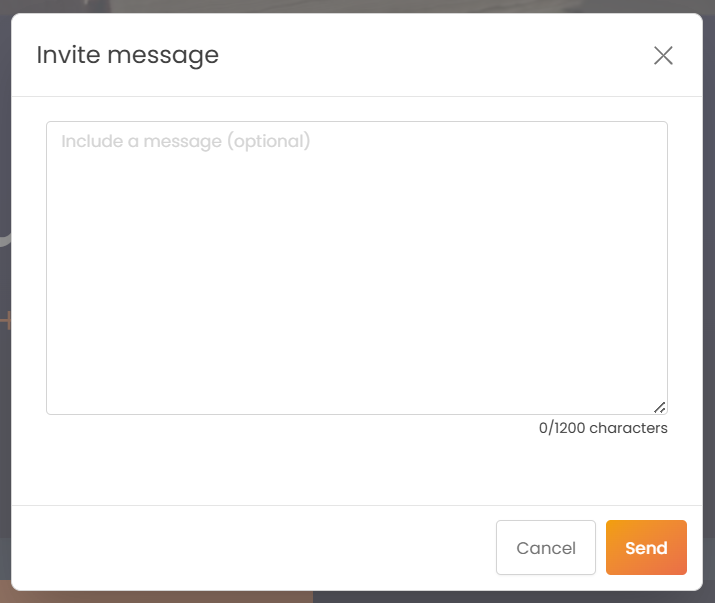
Press Send and the user(s) will be able to open your Engage session in their Build version of ValueHub.


We need to confirm your email address.
To complete the subscription process, please click the link in the email we just sent you.


