QorusDocs acquires Shark Finesse
Learn moreBook your demo
Please complete the form below and we will contact you to arrange a convenient time to show you how our software can help you.

Oops! Something went wrong while submitting the form.
Please complete the form below and we will contact you to arrange a convenient time to show you how our software can help you.
Admin users have full control over template categories; including adding, editing or deleting templates:
.png)
You can add a brand new category here:

It will then appear as category in the list as well as the case library:
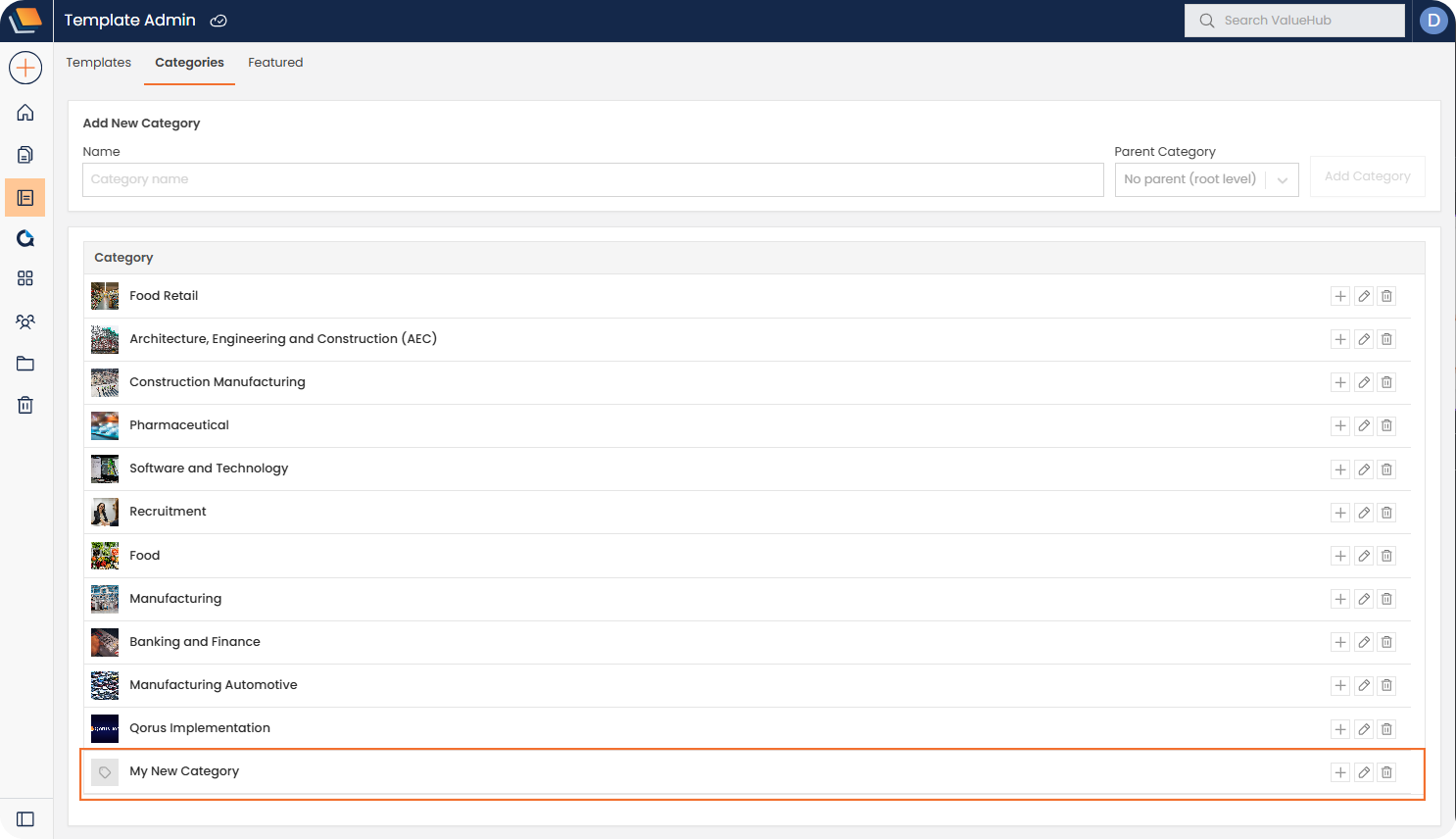
Sub-categories can also be added to existing templates:

Once added, the details of the category can be edited by selecting the pencil icon (this editing feature can be used on any category):


Once saved this new subcategory will appear in the Case Library:


We need to confirm your email address.
To complete the subscription process, please click the link in the email we just sent you.


