QorusDocs acquires Shark Finesse
Learn moreBook your demo
Please complete the form below and we will contact you to arrange a convenient time to show you how our software can help you.

Oops! Something went wrong while submitting the form.
Please complete the form below and we will contact you to arrange a convenient time to show you how our software can help you.
When you're in Engage mode your view will look like this, sidebar to the left, slides in the middle and a view of all slides to the right:
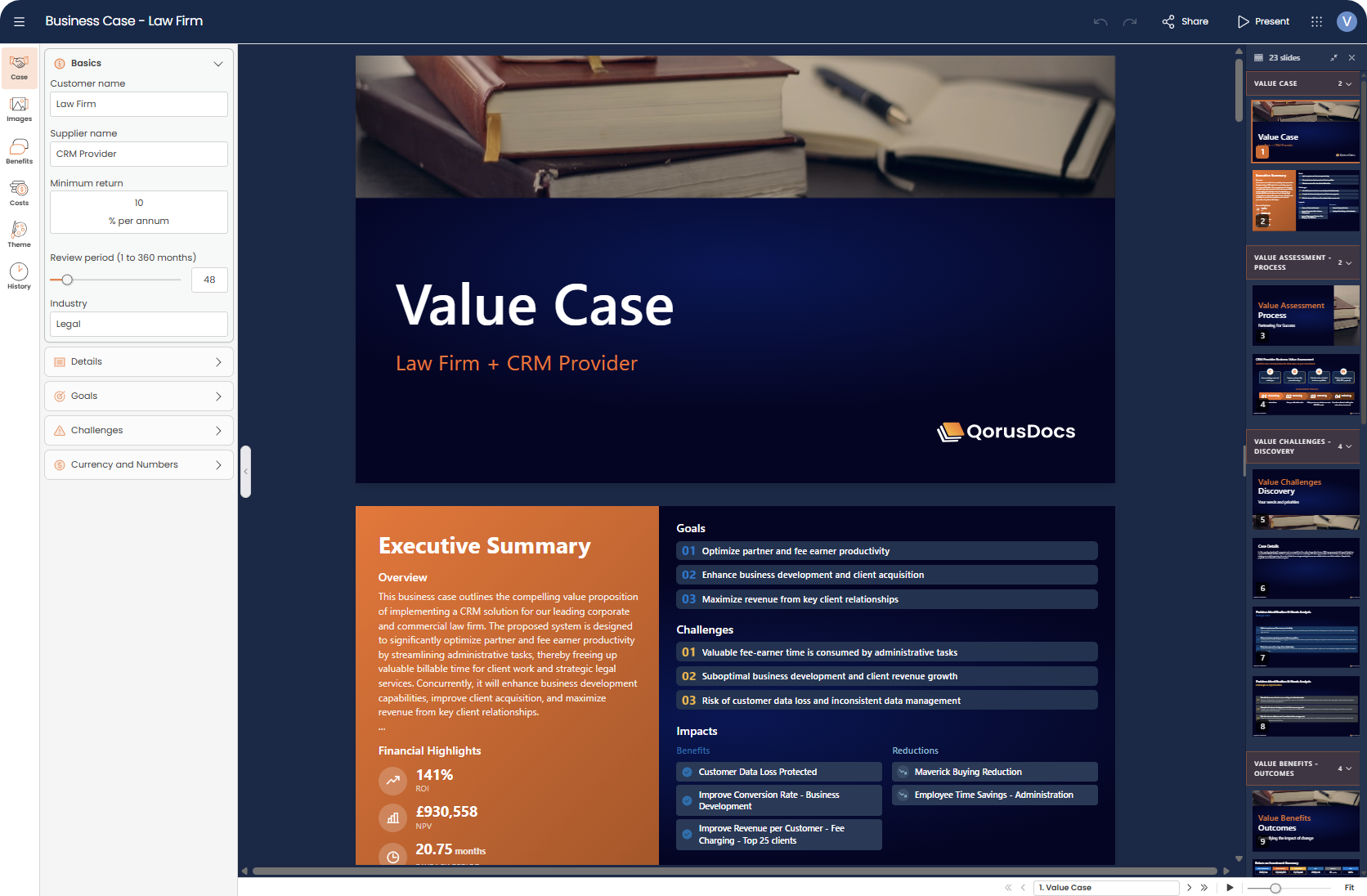
The session would have been created based on a previous business case or template however, most of the time you will want to customise the business case for the customer or prospect that you are currently speaking with.
The first step is to open the sidebar on the left side of the screen, there are two ways to do this:

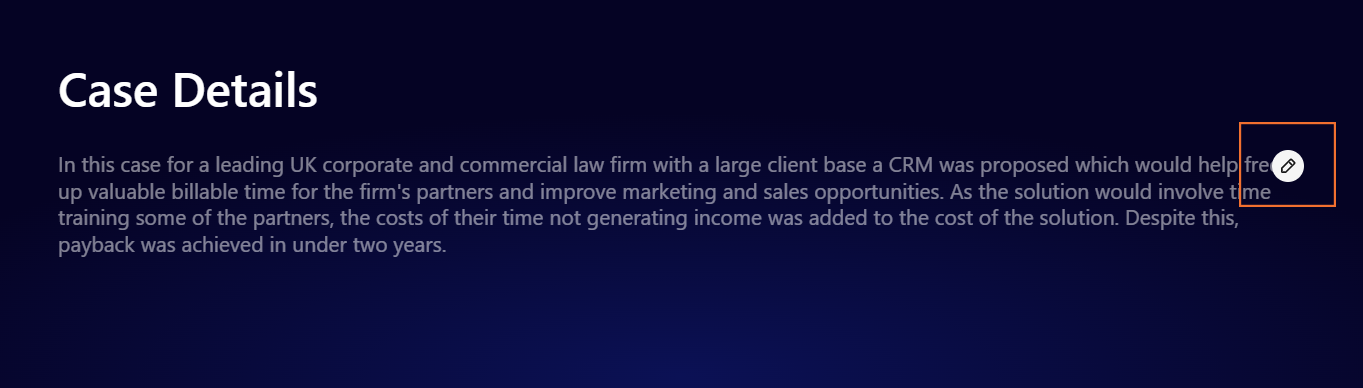
Once the side bar is open you will be able to edit the case.
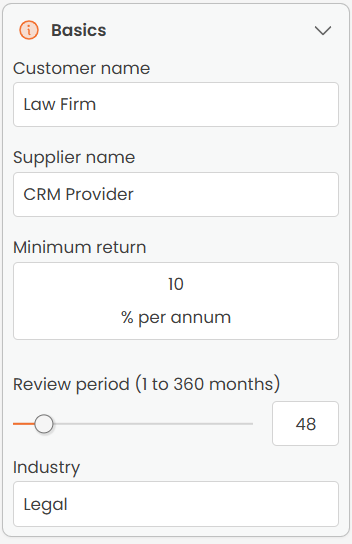
In this section of Engage, you will be able to edit the Basics, this includes the customer name, supplier name, minimum return, review period and industry:
You will also be able to edit the business case Details including the Executive Overview and Case Details, you will also see QPilot is available to assist with any text changes (check out AI-assisted writing for more information on what's possible with QPilot):
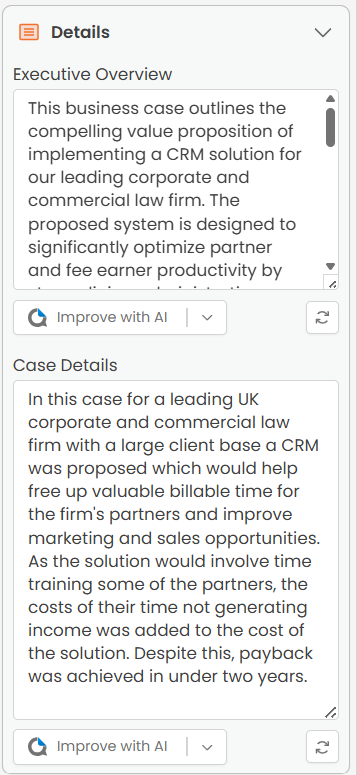
(N.B. its best practice to write the Executive Overview once the rest of the case is complete as this summarises the business case at a high-level.)
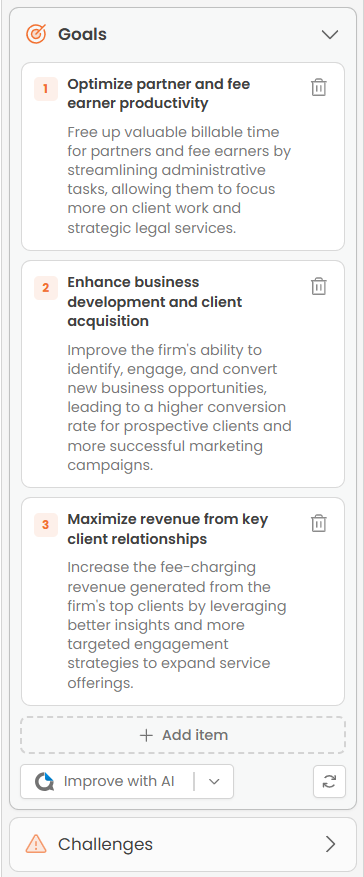
You also have flexibility around editing and adding Goals and Challenges, again you will also have QPilot to assist you here:
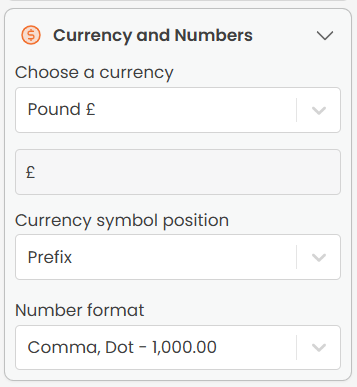
Finally, you can customise the currency and numbers:


We need to confirm your email address.
To complete the subscription process, please click the link in the email we just sent you.


